Keepilo Deutsch
Menu

Offline survival & preparedness

Preparedness that still works when the network doesn’t.

Your emergency knowledge, your supplies and your family’s documents on your own device. The assistant answers offline too.

See availability What it does

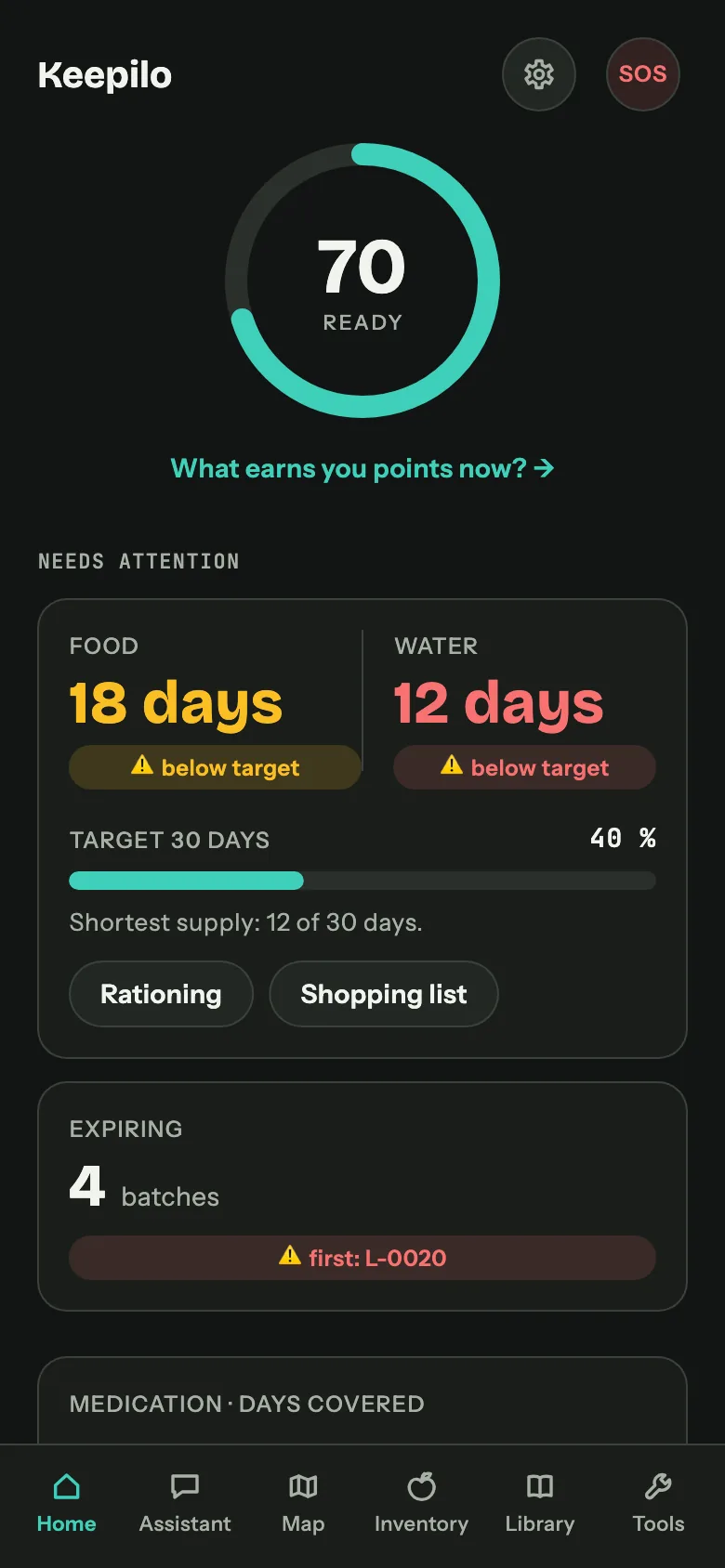
Keepilo dashboard on a phone: readiness score 73, food lasts 23 days for four people, water 11 days, seven batches expiring soon.

Turn the network off. Nothing in the app changes.

The language model, the search index, your documents and your inventory all live on the device. One download during setup is the only moment Keepilo needs a connection.

  • Works in airplane mode
  • No account, no cloud
  • 2,99 € once, no subscription

Preparedness fails at the boring parts

Not at the dramatic ones. Nobody forgets to buy water. People forget which crate it is in, when it expires, and how long it actually lasts for four people.

  1. 01

    The knowledge is in a book, in the cellar

    Survival guides are excellent and useless at 3 a.m. with a flashlight in your teeth. Keepilo reads your PDFs and answers in plain sentences, with the page number, so you can check the original.

  2. 02

    The supplies are there, the overview is not

    Six cans of peaches, or sixteen? Which best-before date comes first? Keepilo tracks batches, expiry dates and partial withdrawals, and turns that into one number: how many days you are covered.

  3. 03

    Medication runs out before the food does

    It is the shortest number in most households and the one with the longest lead time. Keepilo computes the range per person from the dosage on the medical card and warns you while there is still time to act.

  4. 04

    The plan lives in one person’s head

    Meeting points, blood types, allergies, the medication grandma cannot skip. Keepilo puts it on paper you can print and on devices your family carries, without a cloud account in the middle.

What is inside

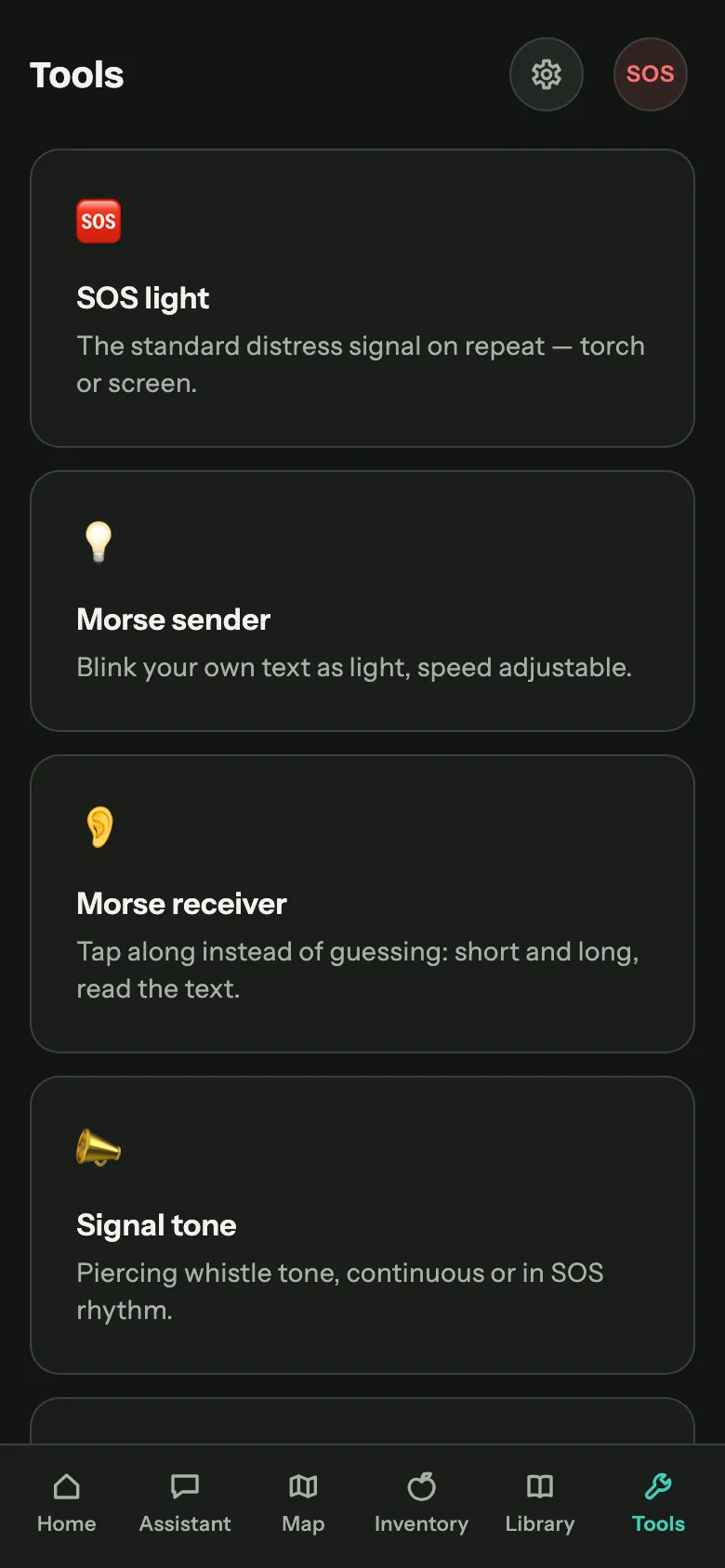
Five tools that assume the worst

Each one keeps working with the network switched off. That is not a feature we bolted on, it is the reason the app exists.

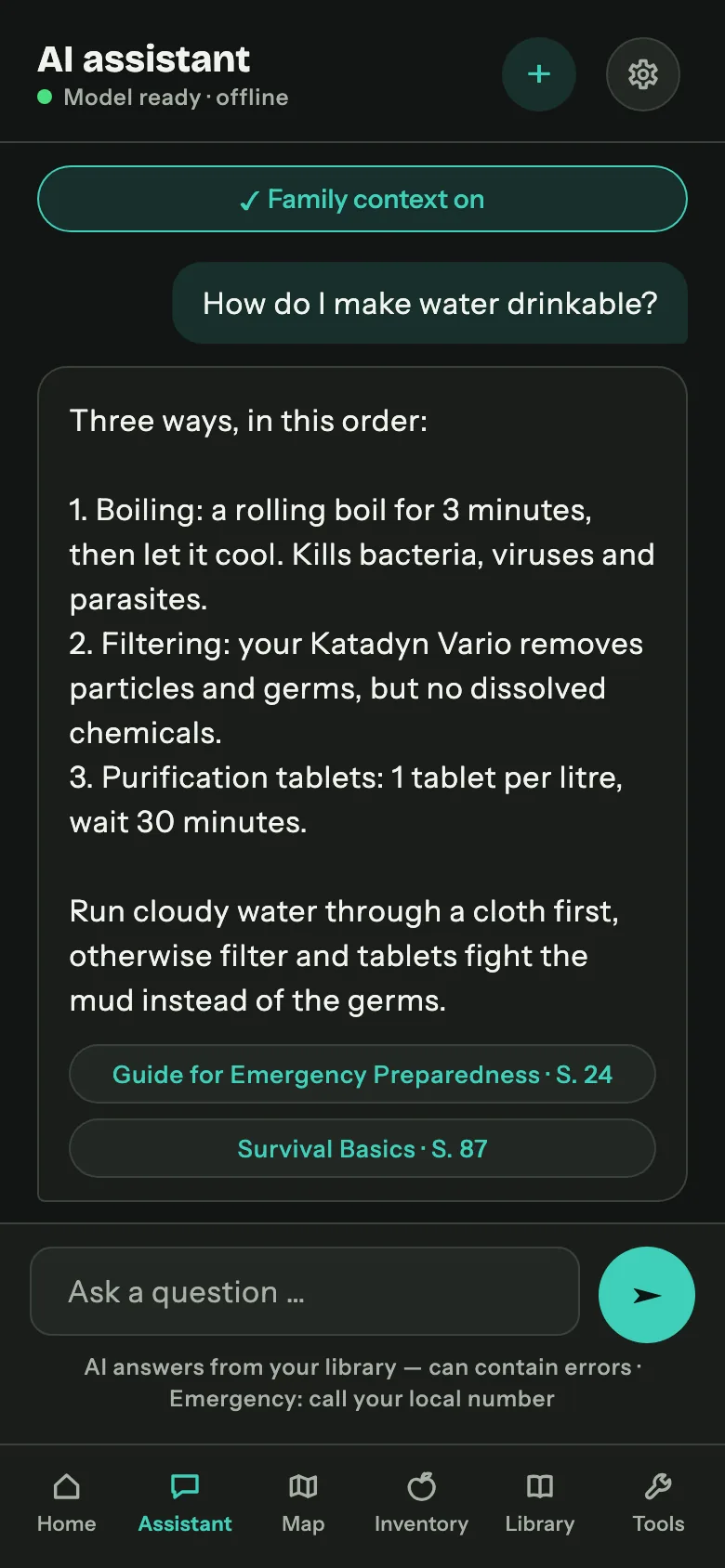
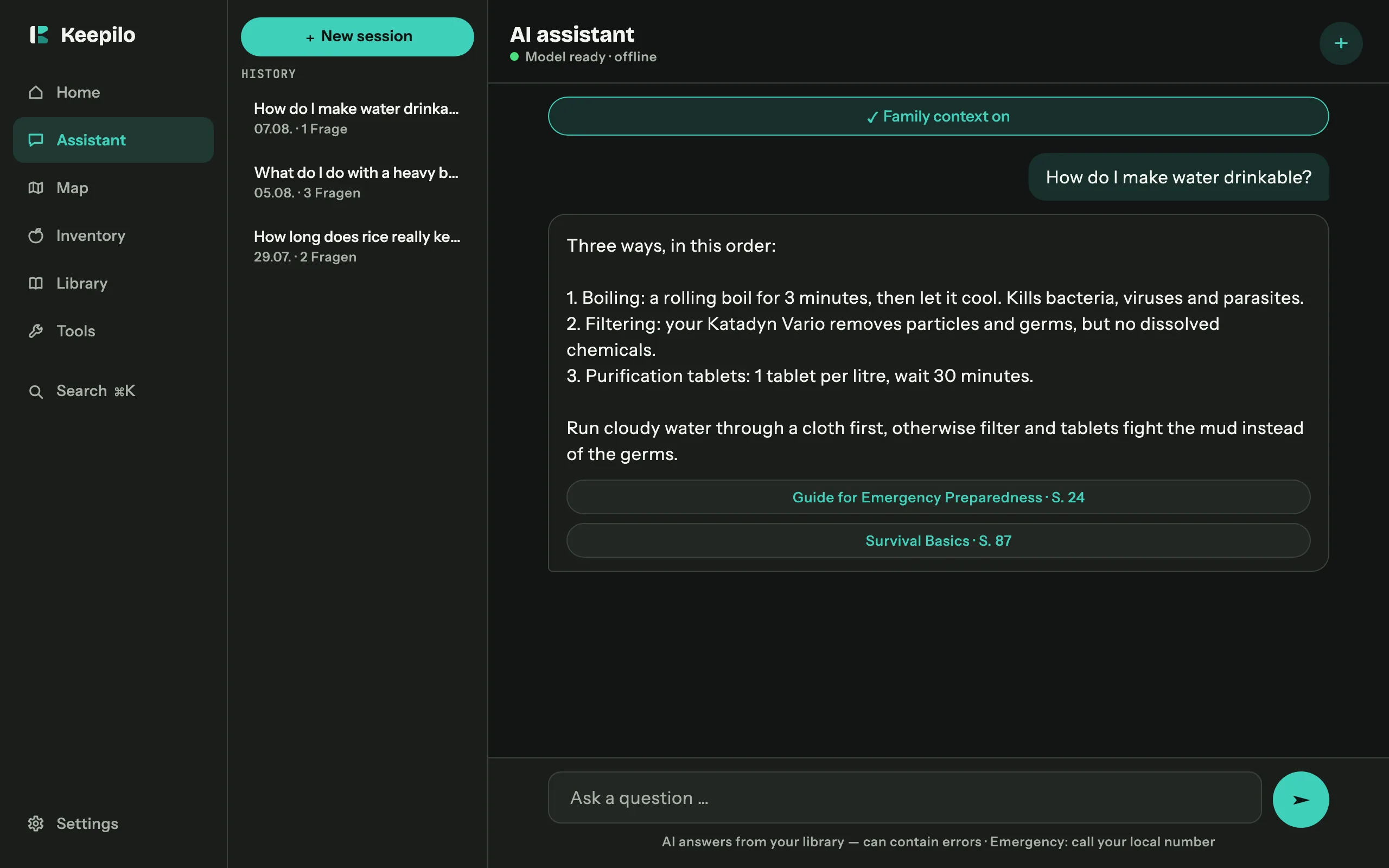
  1. Assistant screen: how to make water drinkable, answered in three numbered steps with source chips for page 87 and 102.

    Assistant

    Answers from your own documents

    The language model runs on your device. Every answer names the document and the page, and the chip opens the PDF right there. A German question against an English handbook still returns a German answer, with gallons and Fahrenheit converted.

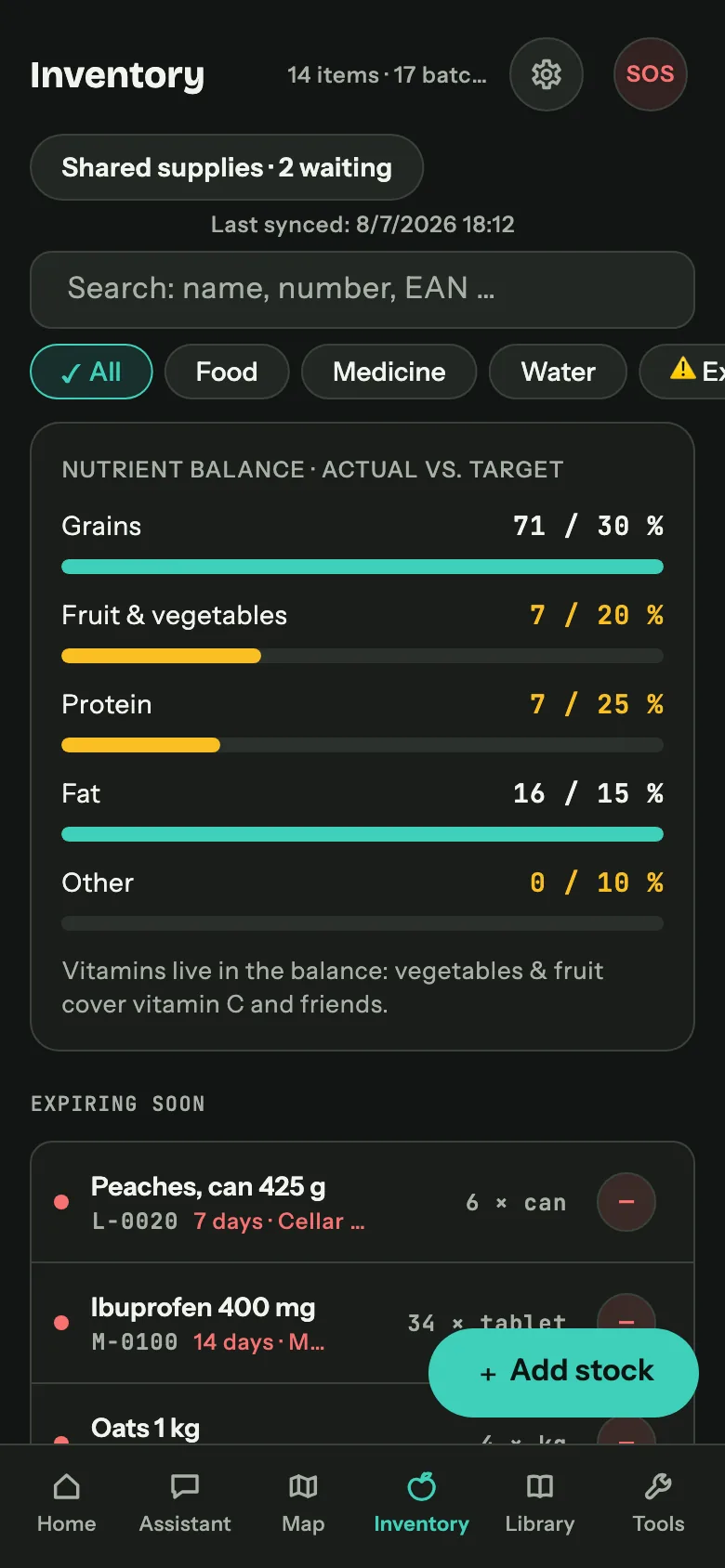
  2. Inventory screen: stock by category with status dots, inventory numbers, best-before dates and storage locations.

    Inventory

    Batches, dates, half packs

    Food, water, medication and consumables with best-before date, storage location and an inventory number you can write on the crate. Take half a pack, book out half a pack: everything is kept in base units, so the numbers stay honest.

  3. Dashboard screen: readiness score 73, food 23 days for four people, water 11 days, seven batches expiring, medication 21 days.

    Dashboard

    How long would we last?

    Age and sex of every person become a calorie and water requirement, the stock becomes a range in days. Plus what expires next, how the medication supply stands per person, and one suggestion for the most useful thing you could do today.

  4. Planner screen: stretch supplies to 14 days, 82 percent coverage at reduced rations, day-by-day plan following first expired first out.

    Planner

    Stretch what you have, buy what you lack

    The rationing plan empties the shortest-dated batches first and keeps every day within ten percent of the same energy budget. The shopping list runs the calculation backwards and shows the gap in water, calories and long-term medication.

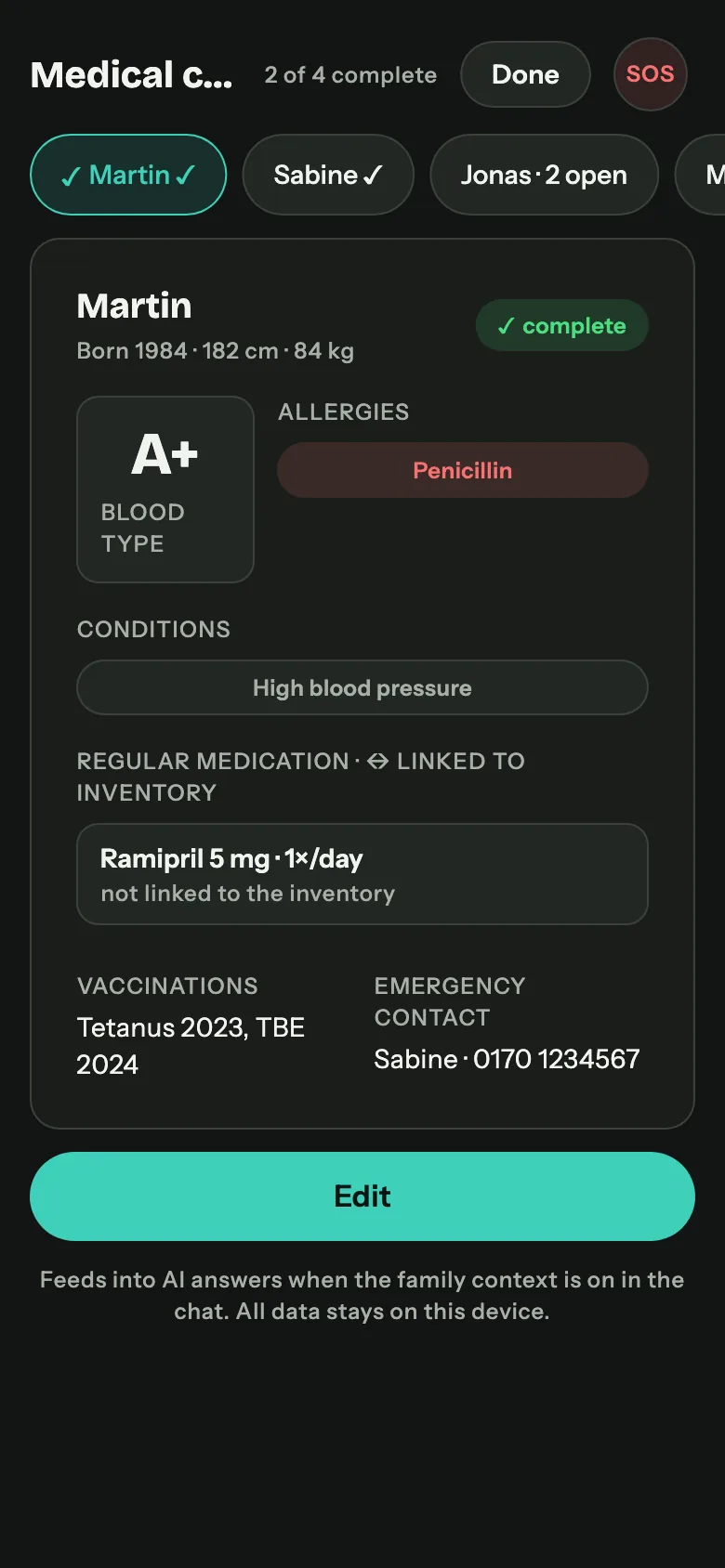
  5. Medical card screen: blood type, allergies, chronic conditions and long-term medication with the range in days.

    Emergency

    The part you hope stays boring

    Medical cards per person, linked to the inventory so the medication range can be computed. An emergency plan, a backpack checklist based on the recommendations of the German civil protection office, and print-ready emergency cards in wallet format.

Twenty minutes to a real overview

You will not fill in a database. Every complex input is a wizard: one question per screen, skippable, and it remembers where you stopped.

Read the handbook

  1. Install

    Buy it once, open it

    No account, no sign-up, no email address, no profile screen.

  2. Download

    Load the content over Wi-Fi

    The AI model and the optional content packages. This is the only step that touches the internet. After it, airplane mode can stay on forever.

  3. Household

    Say who lives with you

    Age and sex per person. That is what turns some rice into eleven days for four people.

  4. Inventory

    Book in what you already have

    Scan a barcode or type the name. The first twenty items take ten minutes and change the dashboard from grey to informative.

  5. Library

    Import your documents

    Any PDF, TXT or Markdown file. Keepilo indexes it, and from then on the assistant can quote it with the page number.

  6. Print

    Put the emergency cards in the wallet

    One per person. The part of preparedness that costs nothing and gets skipped anyway.

Keepilo assistant on a desktop with sidebar navigation, session history and an answer carrying two source chips.

One app, four platforms, one design

Built from a single codebase for iPhone, iPad, Android, macOS and Windows. The layout adapts instead of shrinking: bottom navigation on the phone, an icon rail on the tablet, a full sidebar with a detail panel on the desktop.

Buying once per store account covers it. On Apple devices one purchase covers iPhone, iPad and Mac, and family sharing is enabled where the store offers it.

Availability and system requirements

There is nothing to leak.

No account

No email address, no password, no profile. The app does not know who you are and has no way to find out.

No server

We run no service that holds your data, because there is no such data on our side. Your inventory, medical cards and chat history live in a database on your device.

No tracking

No analytics, no ads, no crash telemetry, no anonymous usage statistics. The app goes online only when you start a download yourself.

Health data is the most sensitive thing in the app and exactly as local as everything else. Protect it with the app lock: PIN, fingerprint or face, auto-lock, and a blurred preview in the task switcher. Read the privacy policy

Who it is for

Three groups, one habit

They would never describe themselves with the same word, and they use Keepilo the same way.

Households following official advice

Civil protection agencies recommend food and drinking water for about ten days, plus a small stock of medication, a battery radio and documents you can grab.

That advice is easy to follow for a weekend and hard to maintain for a decade, because best-before dates move, people move out, and nobody remembers what is at the back of the cellar shelf. Keepilo is the maintenance layer.

Preppers and self-reliance people

If you already keep a deeper stock, the interesting questions are different. How long does this really last at reduced rations? How many litres will the filter still produce?

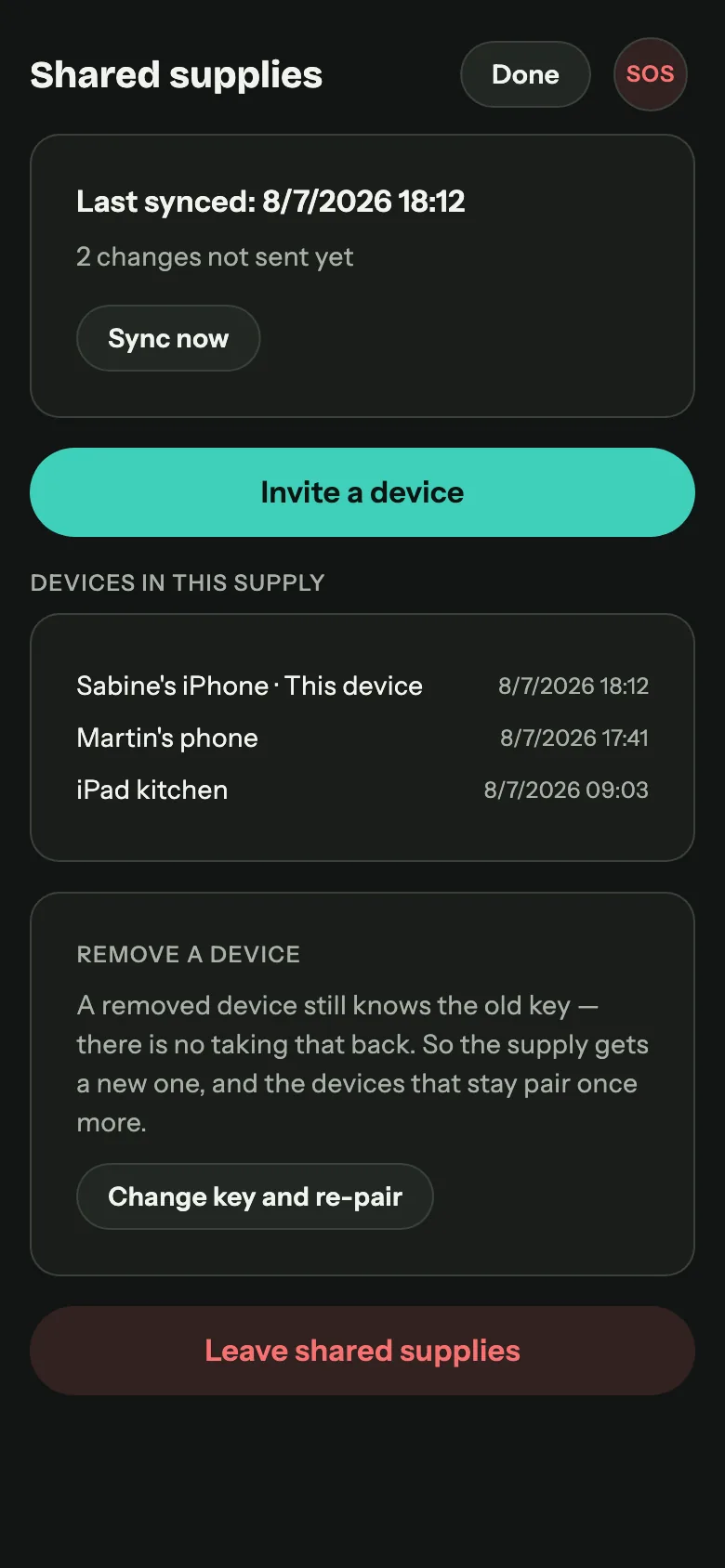
Does the medication run out before the food does? And can I get my whole setup onto my partner’s phone without a cloud service in the middle? The offline transfer moves a full library over local Wi-Fi with a QR code and a one-time token.

People with a specific worry

A blackout that lasts more than a day. A flood plain. A parent with diabetes and a fourteen-day insulin buffer. A holiday cabin with no reception.

In every one of those cases the failure mode is the same: the information you need is somewhere online, and you are not.

What Keepilo is not

It is not a medical device and does not diagnose or treat anything. It does not replace official warnings, and it does not replace the judgement of emergency services. It reproduces what stands in the documents you gave it, tells you where that came from, and does the arithmetic you would otherwise do on the back of an envelope.

Search terms, and what Keepilo actually does about them

Food storage app or pantry inventory: full inventory with batches, best-before dates, storage locations, inventory numbers and partial withdrawals. Expiration date tracker: a dedicated view for what expires next, plus a weekly reminder scheduled locally, without a background service or a push server. Emergency food supply calculator: requirement per person from age and sex, coverage in days, and a target you set yourself. Rationing calculator: a day-by-day plan that stretches the existing stock to a chosen number of days and states the coverage it reaches. Bug-out bag or emergency backpack checklist: a template based on the recommendations of the German Federal Office of Civil Protection, tickable per person, feeding into the readiness score. Offline survival guide: the assistant, running on your own documents. Family emergency binder: medical cards and printable emergency cards in wallet format.

Prepared is a state you maintain, not one you reach.

Keepilo is the part that keeps track while you get on with everything else.

See availability Frequently asked questions